AI image generation went from novelty to marketing necessity in 18 months. But most AI-generated marketing images are obviously AI—and that’s a problem. Here’s how to do it right.
The Current Tools

Midjourney — Best Quality
Midjourney produces the most consistently usable images. Version 6 handles text, composition, and style with surprising reliability.
Best for:
- Hero images and backgrounds
- Social media graphics
- Concept visualization
- Abstract and artistic imagery
Limitations:
- Discord-based workflow (clunky)
- Faces still inconsistent
- Brand-specific elements require many iterations
Pricing: Basic $10/month. Standard $30/month. Pro $60/month.
DALL-E 3 (via ChatGPT) — Most Accessible
Integrated into ChatGPT, DALL-E 3 is the easiest to use. Natural language prompts work well, and iteration is conversational.
Best for:
- Quick social graphics
- Blog post images
- Diagrams and concepts
- When you need “good enough” fast
Limitations:
- Less artistic control than Midjourney
- Conservative content policies
- Watermark on free tier
Pricing: Included with ChatGPT Plus ($20/month).
Adobe Firefly — Best for Brand Work
Firefly integrates with Creative Cloud and is trained on licensed content (legally safer). The style transfer features are genuinely useful.
Best for:
- Teams already in Adobe ecosystem
- Brand-consistent imagery
- Product mockups
- When licensing matters
Pricing: Included with Creative Cloud or $5/month standalone.
Ideogram — Best for Text in Images
If you need text in your images (logos, posters, social graphics), Ideogram handles it better than others.
Pricing: Free tier available. Basic $8/month.
Marketing Use Cases That Work
1. Blog and Article Headers
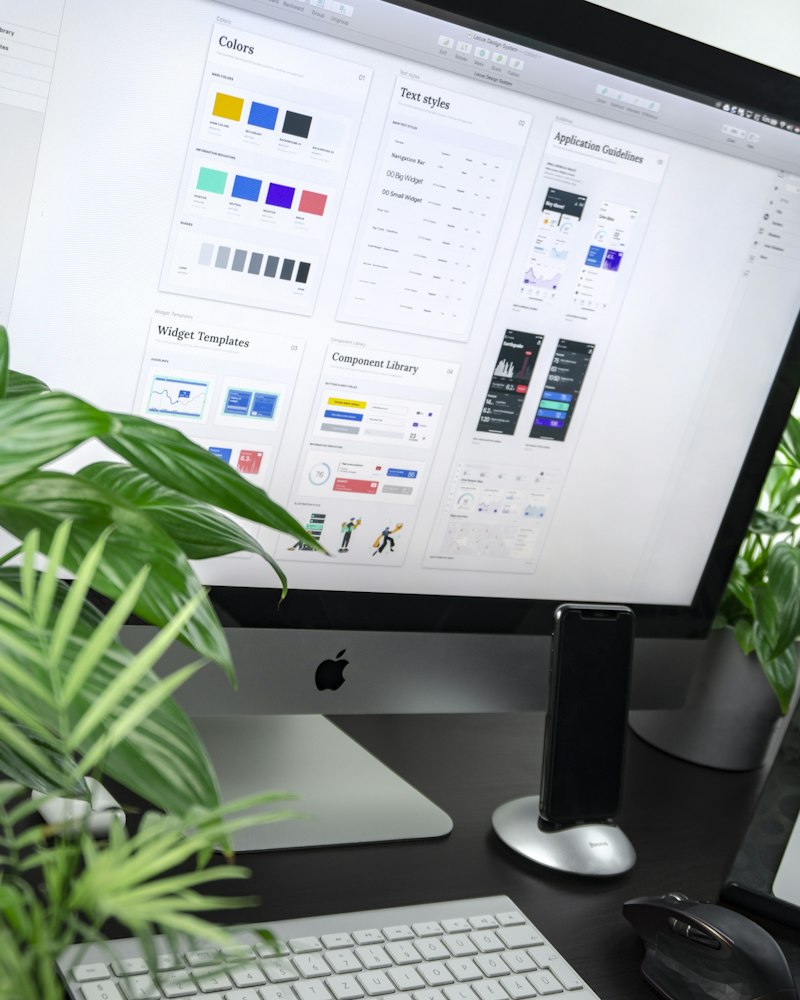
AI-generated abstract imagery works well for blog posts. Avoid photorealistic—go stylized.
What works: Conceptual illustrations, abstract patterns, stylized scenes What fails: Fake stock photos, AI people, anything trying to look “real”
2. Social Media Backgrounds
Generate branded background templates, then add text in Canva or your design tool.
Prompt structure: “Abstract [color scheme] background with [elements], modern, minimal, high contrast, suitable for text overlay”
3. Presentation Graphics
AI excels at concept visualization. Instead of clip art, generate custom illustrations for each point.
4. Ad Creative Variations
Generate multiple variations for A/B testing. AI makes it economical to test 10 concepts instead of 3.
5. Placeholder and Mockup Content
During development or pitch phases, AI images work well for “imagine this” purposes.
Use Cases to Avoid
Product Photography
Your actual products should have actual photos. AI-generated product images look fake and erode trust.
Team and Company Photos
“AI-generated team” is a red flag. Real people, real photos.
Testimonial Imagery
Never generate fake customer photos. It’s deceptive and damages credibility when discovered.
Detailed Infographics
AI can’t reliably generate accurate charts, data, or complex information design.
The Legal Landscape
Copyright
- AI-generated images may not be copyrightable (US Copyright Office ruling)
- You own your prompts and creative direction
- Using AI-generated images commercially is generally allowed
Training Data Concerns
- Midjourney, DALL-E, and others trained on internet images
- Some artists have sued over training data
- Adobe Firefly specifically trained on licensed content
Disclosure
- No legal requirement to disclose AI usage (in most jurisdictions)
- Some platforms (LinkedIn) have disclosure features
- Audiences increasingly expect transparency
Safe practice: Use AI images where authenticity isn’t claimed. Disclose when asked.
Workflow Integration
The Batch Generation Method
- Generate 20-30 images for a theme
- Curate the best 5-10
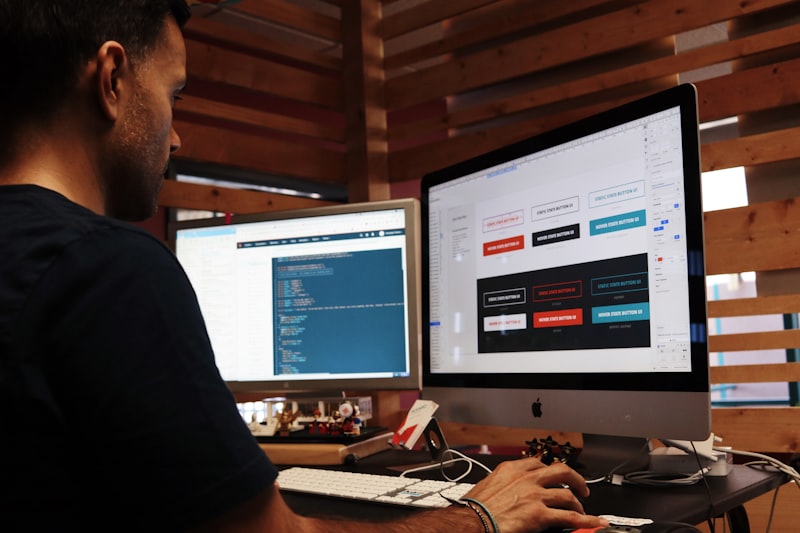
- Edit in Photoshop/Canva (color correct, crop, add elements)
- Store in a branded asset library
- Use across multiple pieces of content
This is more efficient than generating per-project.
Prompt Documentation
Save prompts that work. Build a library:
Campaign: Q1 Product Launch
Theme: Innovation/Future

Working prompts:
- "Minimalist tech illustration, gradient blue to purple, abstract network nodes, clean modern style --ar 16:9"
- "Geometric patterns with subtle data visualization elements, corporate blue palette, professional --ar 1:1"

Rejected approaches:
- Photorealistic scenes (too AI-obvious)
- Neon/cyberpunk aesthetic (off-brand)
Team Guidelines
Create clear rules:
- Approved use cases
- Style guidelines for prompts
- Quality bar for selection
- Editing requirements before use
- Where to store/access approved images
Quality Checklist
Before using any AI image:
- No obvious AI artifacts (weird hands, melting objects)
- Consistent style with brand
- No text (unless intentionally generated and correct)
- Appropriate resolution for use case
- Color corrected to brand palette
- Cropped/composed intentionally
Cost Comparison
| Need | Traditional Stock | Custom Design | AI Generated |
|---|---|---|---|
| Blog header | $10-50 | $100-500 | $0.50-2 |
| Social set (10 images) | $100-500 | $500-2000 | $5-20 |
| Ad creative (5 variants) | $50-250 | $300-1000 | $2-10 |
| Hero image | $50-200 | $500-2000 | $2-5 |
AI is 10-50x cheaper for appropriate use cases.
The Future
What’s coming:
- Video generation (Runway, Pika already work)
- Real-time generation in design tools
- Brand-trained custom models
- Better consistency for campaigns
For now, AI image generation is best as a starting point, not a final product. Generate, curate, edit, publish.
Tool capabilities change rapidly. Test current versions before committing to a workflow.